Unbranded
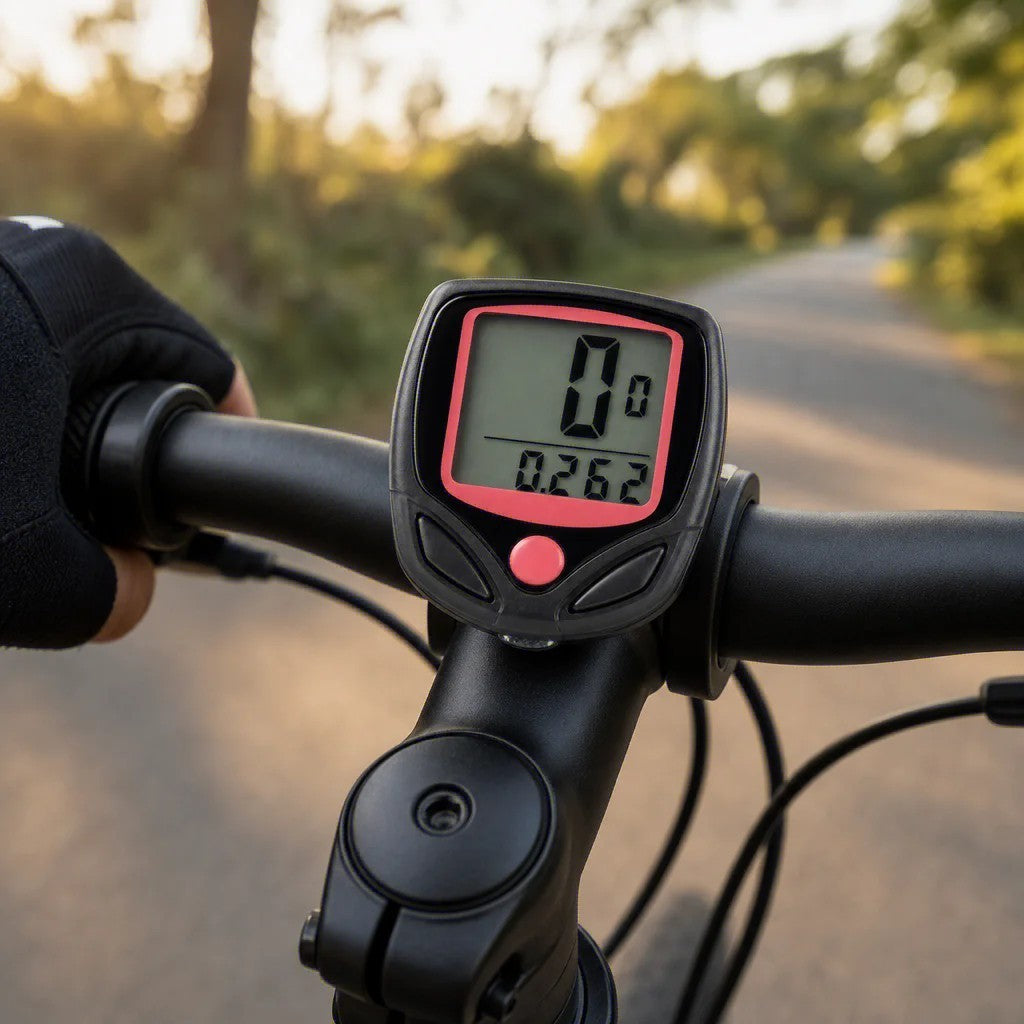
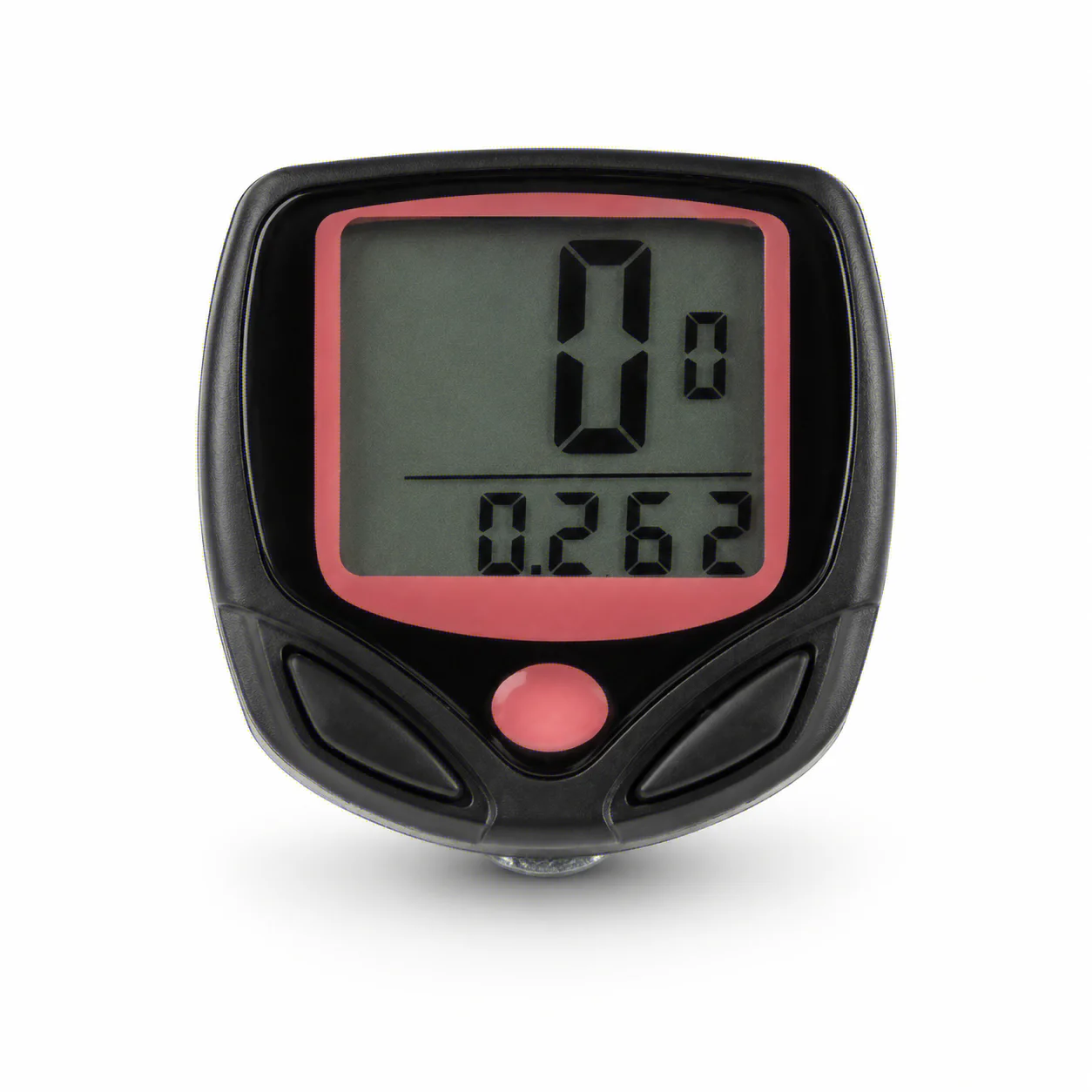
Digital Bicycle Speedometer Odometer with Waterproof LCD, MPH & KMH
Digital Bicycle Speedometer Odometer with Waterproof LCD, MPH & KMH
Couldn't load pickup availability
2. Product Overview
3. Installation Guide (Step-by-Step)
Mount the Main Unit: Attach the base to your handlebar using the included zip ties.
Install the Sensor: Fix the sensor to your fork, ensuring it faces the wheel.
Attach the Magnet: Secure the magnet to your wheel spoke, aligning it with the sensor (3-5mm gap).
Wire Management: Run the sensor wire along the fork and frame to the handlebar.
Power On: Insert the AG13 battery (positive side up) and start setting your preferences!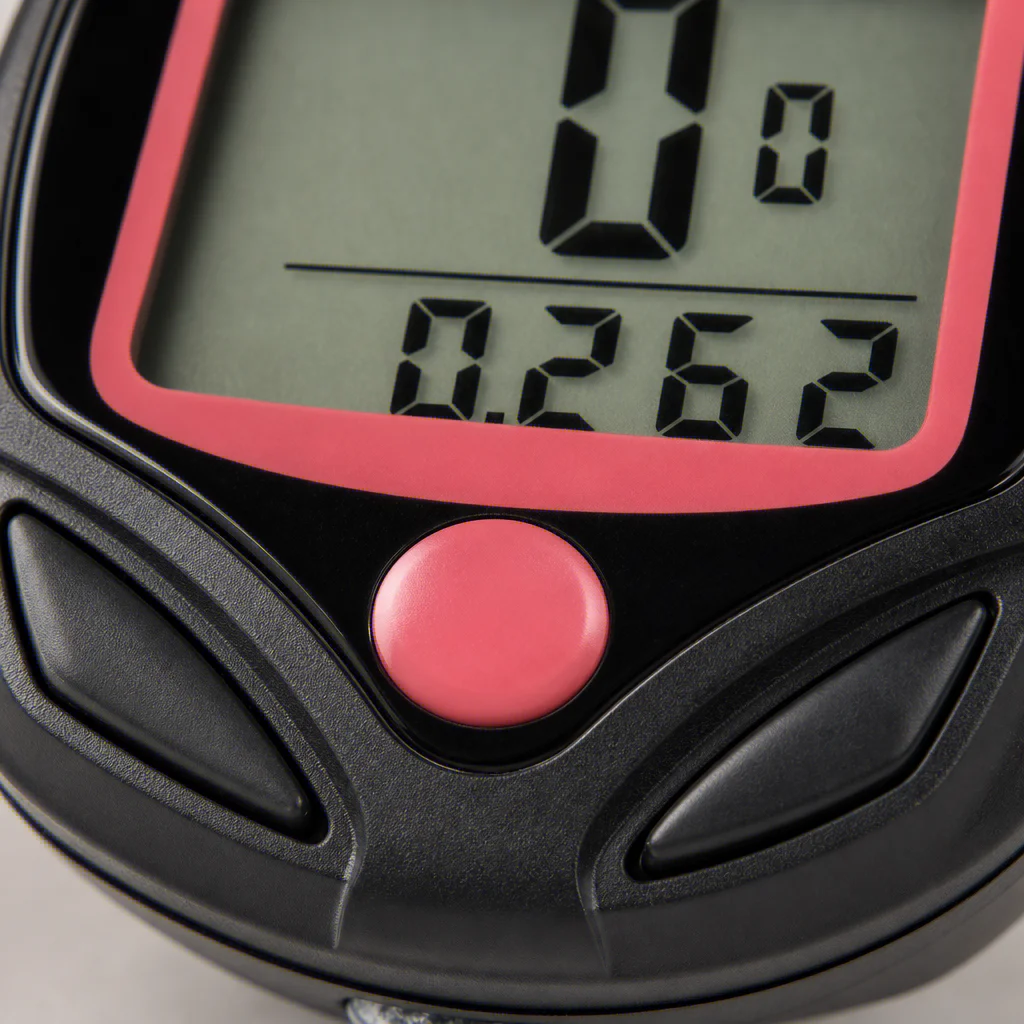
4. Package Contents
1 x Bicycle Computer Unit
1 x Mounting Bracket
1 x Sensor with Cable
1 x Magnet
2 x Zip Ties
1 x User Manual (English/Chinese)
5. Setting Guide (Quick Start)
Insert the Battery: Open the compartment, insert the AG13 battery (+ side up), and close the cover.
Set Speed Unit: Press the right button to switch between KM/HR and M/HR.
Set Tire Circumference: Refer to the included tire size chart to input your wheel circumference for accurate readings.
Set Maintenance Alert: Choose from 200/400/600/800km alerts to keep your bike in top condition.
Start Riding: The computer will auto-start when you begin moving.
6. Notes
This is a wired model, ensure the sensor wire length fits your bike before purchase.
Keep the unit away from high-pressure water washing.
For best accuracy, double-check your tire circumference setting.
We do not accept returns or cancel for change of mind. We only offer returns for items that are faulty or damaged.
View full details